
Developing Secure Deployment Strategies for Applications
07/03/2026
How to Choose the Right System Administration Tools
07/03/2026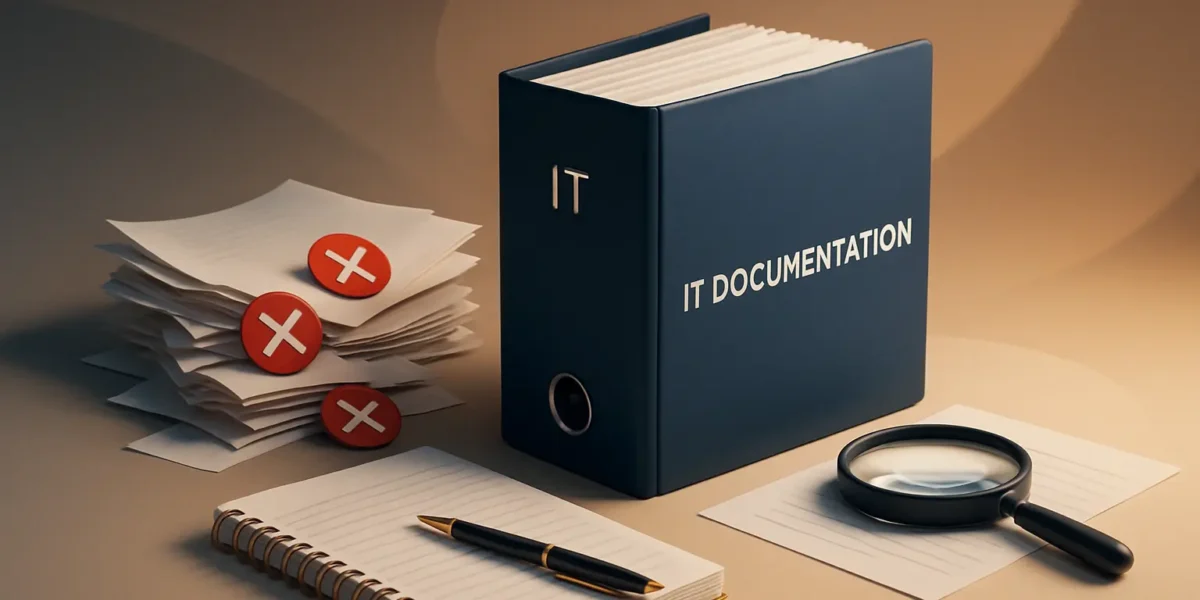
Common Mistakes in IT Documentation and How to Avoid Them
Effective IT documentation is crucial for the smooth operation of any organization. It serves as a reference point for employees, helps in onboarding new staff, and ensures consistency across various processes. However, many IT teams fall into common pitfalls that can hinder the effectiveness of their documentation. This article outlines these mistakes and offers practical advice on how to avoid them.
1. Lack of Clarity and Consistency
One of the most prevalent mistakes in IT documentation is the absence of clarity. Vague language can lead to misunderstandings and errors. Inconsistent terminology can further complicate matters, making it difficult for team members to follow guidelines.
- Use clear language: Avoid jargon unless it’s necessary, and define technical terms if used.
- Establish guidelines: Create a style guide that outlines preferred terms and formatting.
- Regular reviews: Schedule periodic reviews of documentation to ensure it remains clear and consistent.
2. Neglecting Audience Needs
IT documentation should cater to the needs of its intended audience. A common error is failing to consider who will be using the documentation. This can result in information being too technical for novices or too simplistic for experienced users.
- Identify your audience: Understand whether your documentation is aimed at developers, system administrators, or end-users.
- Tailor content: Use examples and scenarios that resonate with your audience’s experience level.
- Gather feedback: Regularly solicit input from users to refine documentation accordingly.
3. Overloading with Information
While it’s important to be thorough, overwhelming users with excessive information can be counterproductive. Users may struggle to find what they need if documentation is packed with unnecessary details.
- Be concise: Focus on the most critical information and avoid excessive elaboration.
- Use visuals: Incorporate diagrams, flowcharts, and screenshots to illustrate complex concepts.
- Break it down: Use headings and subheadings to organize content into manageable sections.
4. Failing to Keep Documentation Updated
Outdated information can lead to significant issues, especially in the fast-paced world of IT. A common mistake is neglecting to update documentation after system changes or updates.
- Set a schedule: Implement a routine for reviewing and updating documentation after major changes.
- Assign ownership: Designate team members responsible for keeping specific documents current.
- Use version control: Maintain a record of changes to track updates and revisions effectively.
5. Ignoring Accessibility
Documentation should be easily accessible to all relevant stakeholders. A common oversight is storing documentation in locations that aren’t user-friendly or are difficult to navigate.
- Use a centralized platform: Store documentation in a single, easily reachable location, like a wiki or knowledge base.
- Optimize for searchability: Use tags and keywords to make documents easily searchable.
- Ensure compatibility: Confirm that documentation can be accessed across various devices and platforms.
6. Lack of Practical Examples
Documentation that lacks practical examples can leave users confused about how to apply the information. This oversight can make it difficult to implement directives effectively.
- Include real-world scenarios: Provide examples that demonstrate the application of concepts in real situations.
- Utilize case studies: Share case studies to illustrate successful implementations or solutions.
- Encourage contributions: Allow team members to share their examples and experiences for a collaborative approach.
Conclusion
Avoiding common mistakes in IT documentation is essential for maximizing its effectiveness and utility. By focusing on clarity, audience needs, and accessibility, and by ensuring that documentation is regularly updated and includes practical examples, IT teams can create valuable resources that enhance productivity and collaboration. Implementing these best practices will not only improve the quality of your documentation but also foster a culture of continuous improvement within your organization.